Contents
01My contribution
My contribution
What I did
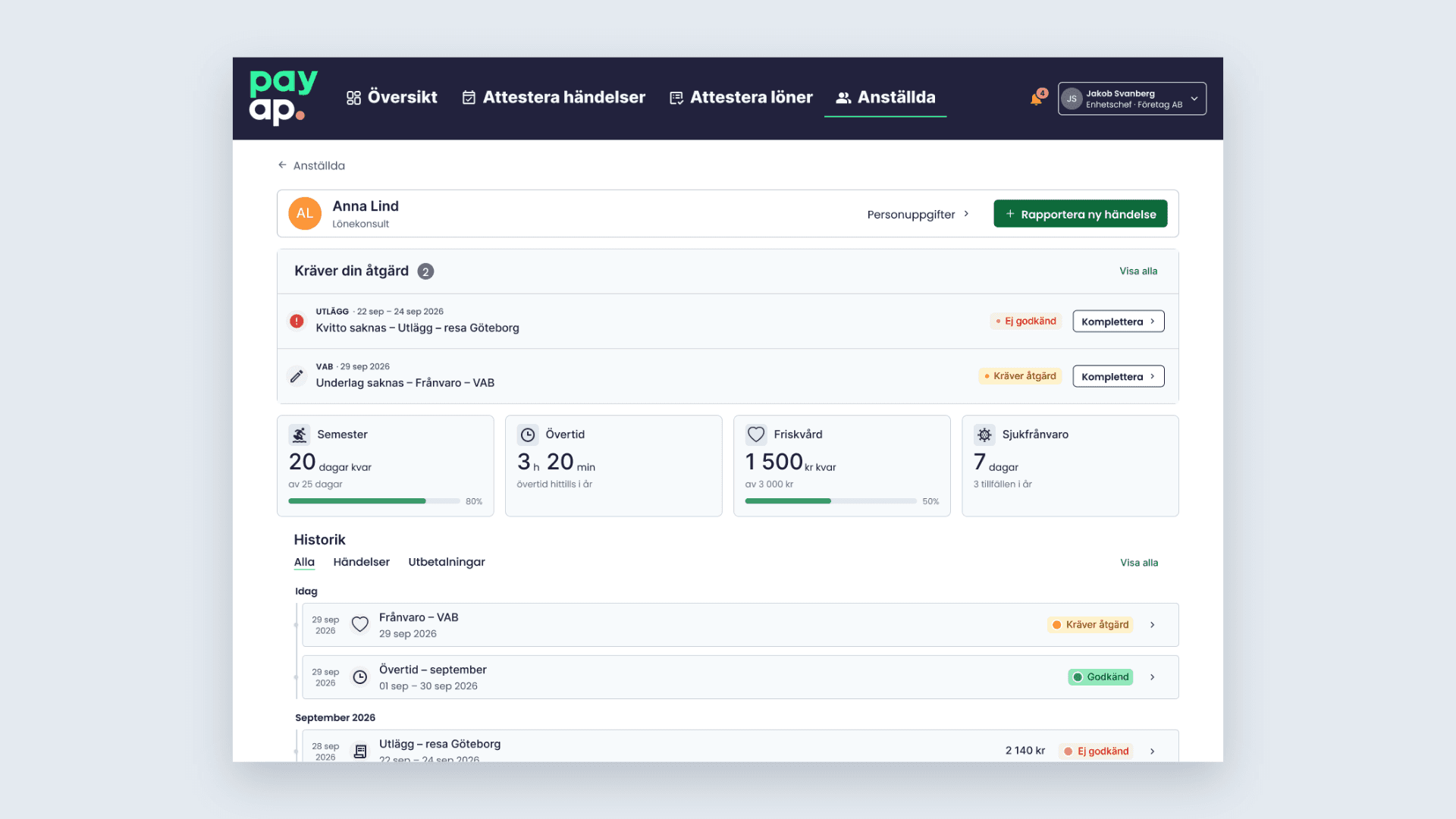
- Designed three desktop views: Employee view, Report new event and History.
- Iterated them from lo-fi to hi-fi based on test results.
- Explored a calendar-based way to report events on my own initiative.
With the team
- Collaborated with my project team to plan and conduct user research and usability testing.
- Participated in regular check-ins with Payap to discuss design directions and gather feedback.
02The problem
Managers could see the situation, not the next step
Information was spread out, priorities were unclear, and after reporting something it was hard to tell what had happened. A manager wants to finish a task — not stay in the payroll system.
Design question
How might we help managers recognise what needs attention and confidently take the next step?
03Key insights
What testing showed
Information was fragmented
One participant couldn’t find any consolidated absence information.
Priorities were hard to see
Participants wanted to see quickly what needed handling.
Status isn’t enough
In mid-fi, status was clear — but some participants needed help finding how to act on an older item.
Together, our group ran 4 baseline tests, 1 lo-fi, 3 mid-fi and 1 exploratory hi-fi test, with regular check-ins with Payap.
04Design solution
Actions first, right where they belong
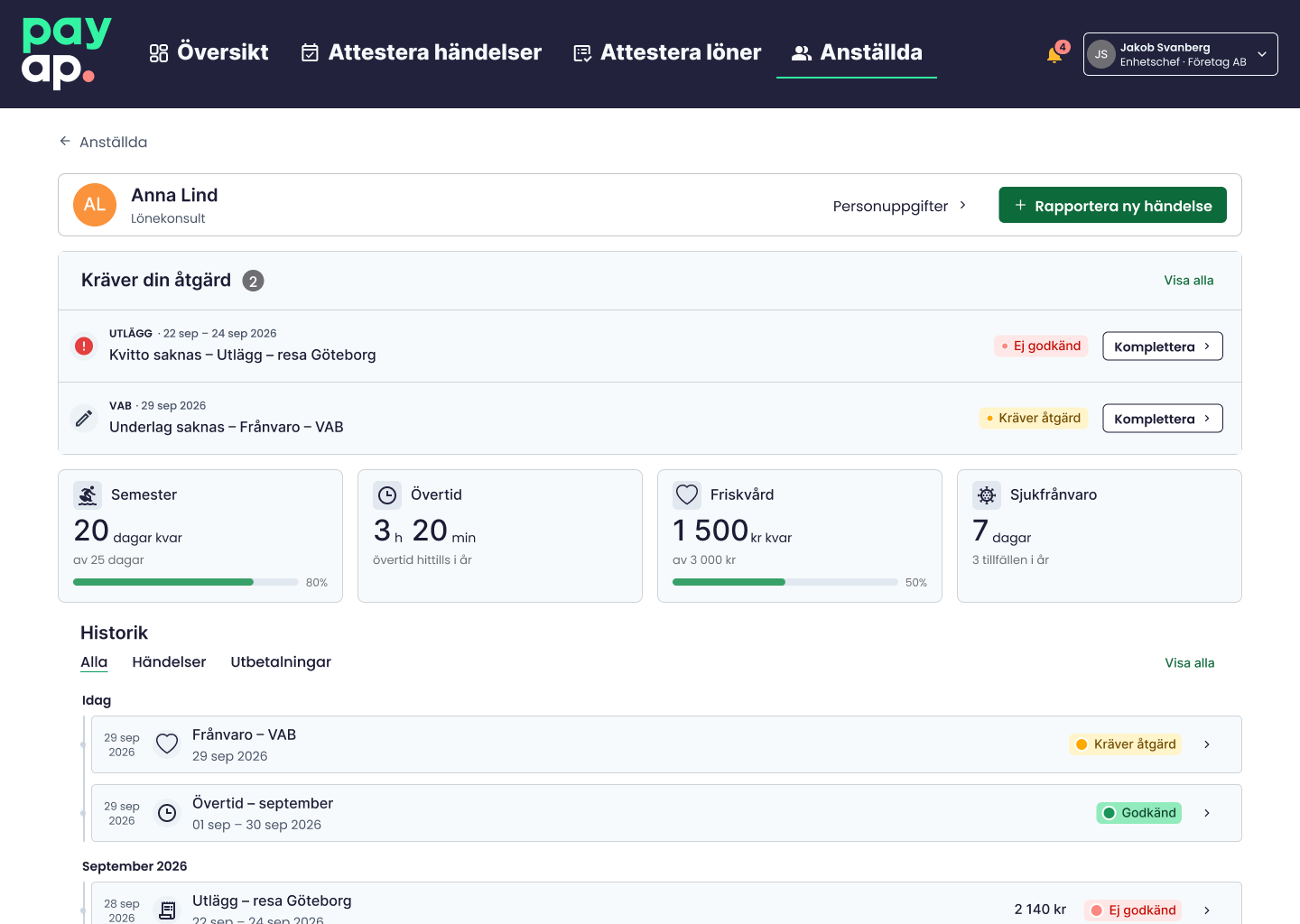
Action items at the top
- Overdue or rejected items are the first thing a manager sees.
The next step next to the item
- “Complete” sits right beside the item that needs it.
One shared history
- Events and payments in one list, with visible status.
05Iteration
Making the reporting action easier to find
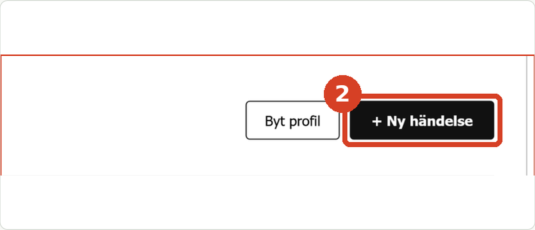
Next to the profile
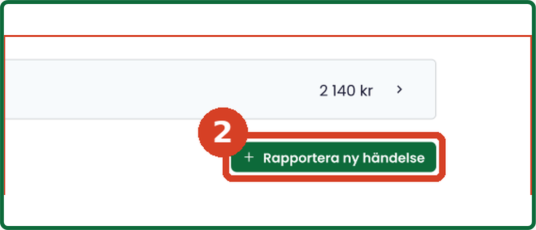
Moved to the bottom — some participants didn’t find it
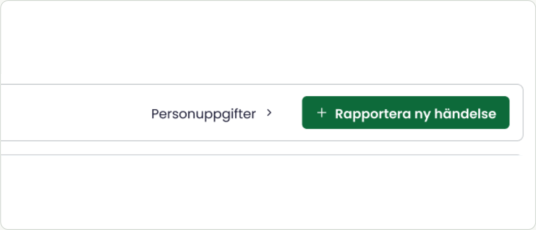
Prominent in the header — not yet re-tested with users
I moved the “Report new event” button to the bottom of the page in my mid-fi design. During testing, some participants struggled to find it. I moved it back to a prominent position in the header for the hi-fi prototype. This new placement still needs to be tested.
06What I learned
What I learned
“A design that seems logical does not automatically make the next action obvious.”
Check-ins with Payap gave direction, but user tests showed when I needed to rethink. Next, I’d test the new reporting button and my calendar-based reporting idea with more managers.