Contents
01My contribution
My contribution
What I did
- Evaluated the current web version against IA principles.
- Analysed the card-sorting results and wrote an IA recommendation.
- Built my own prototype of the search-first parking journey.
- Kept the group organised — meetings, a shared calendar and a fair split of tasks.
With the team
- Study group 4 ran the survey, field studies, card sorting and tree test together.
- The design principles were agreed as a group.
02The problem
Built around the system, not the visitor
My review identified three sources of friction: users had to know a zone code, pricing appeared late in the journey, and active parking was difficult to distinguish from completed parking. For visitors unfamiliar with local parking zones, these issues could increase the risk of mistakes.
Design question
How might we organise parking around people’s goals instead of the system’s structure?
03Key insights
People think in tasks and status
- Find a place
- Start parking
- Active parking
- Finish & pay
One journey, not separate menus
In card sorting, participants grouped “find zone”, “see zone info” and “start parking” together.
Active parking stands on its own
“Active parking” was a clear, natural group — status is what people look for.
As a group, we ran two rounds of card sorting. The first, unmoderated round gave only one usable response, so we followed up with a moderated round.
04Design solution
Search first, then a short, clear flow
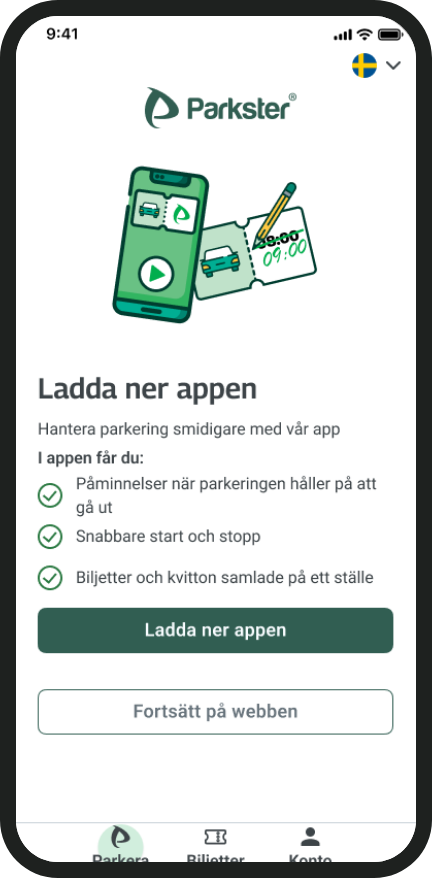
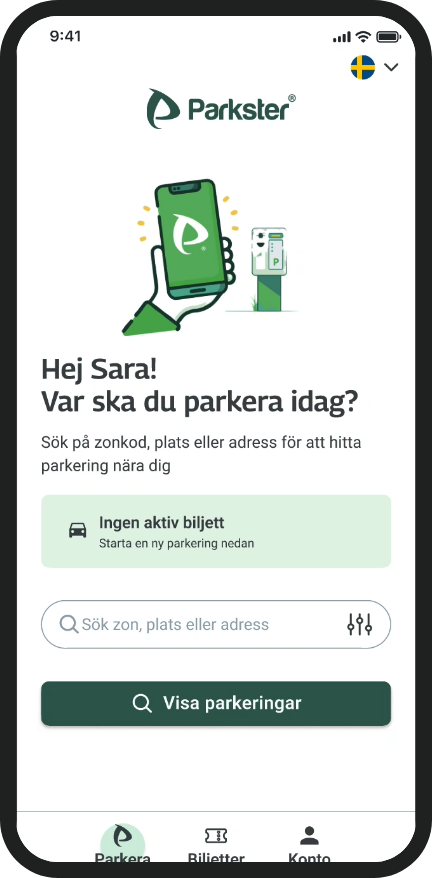
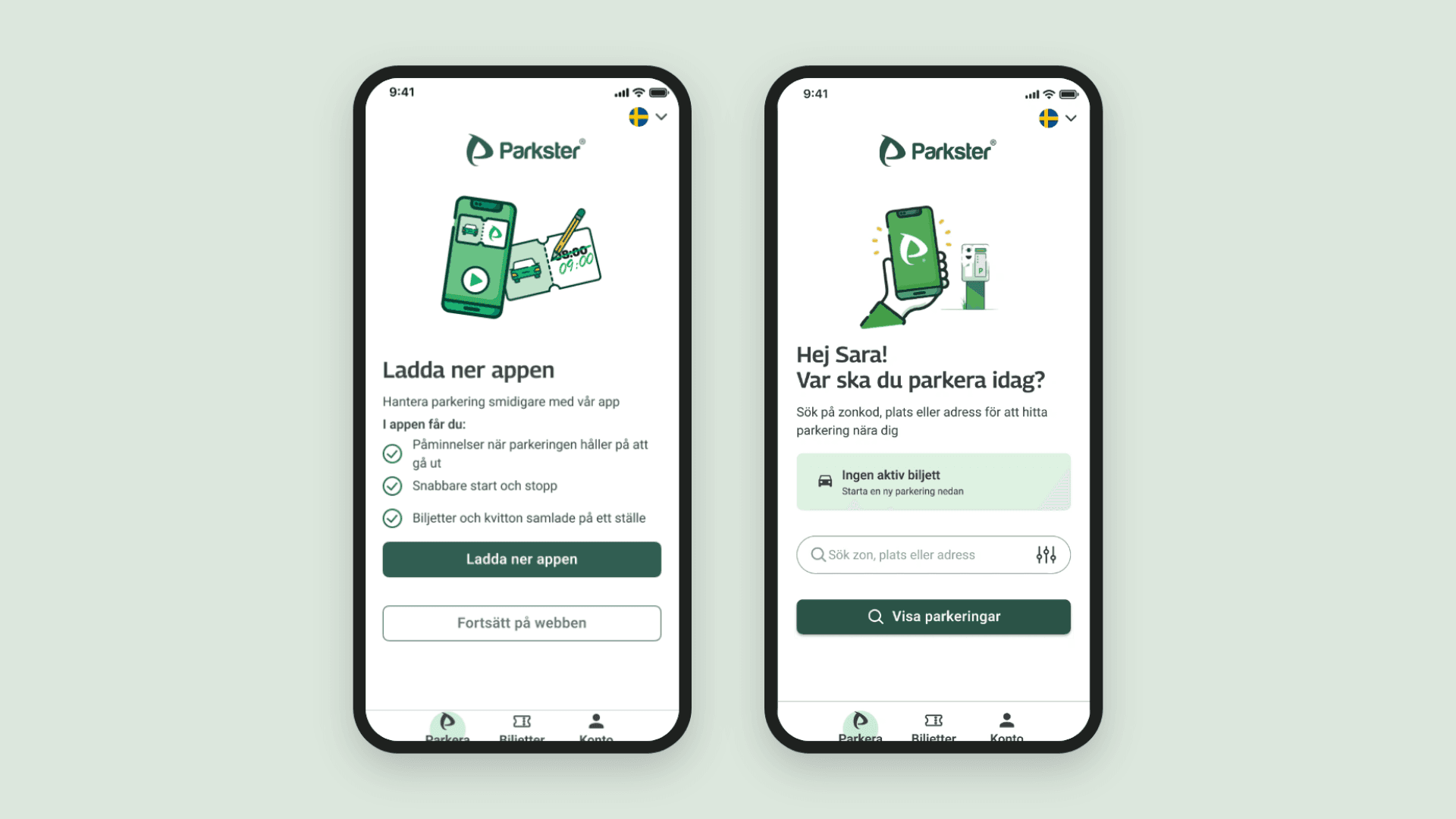
The search-first journey is my own concept, built on the card-sort findings. The group’s tree test checked the overall structure, but these screens haven’t been tested on their own yet.
Exploratory concept · Not yet testedSearch by place, not code
- Visitors can search by address or place name — zone codes still work.
Fewer top levels
- New parking, Active parking, Previous parkings and Account.
Clearer parking status
- Active parking is its own clear state, not hidden in a list.
05Testing
An early check of the structure
Group tree test · 3 participants
- average success · reached the right place
- 95%
- direct success · without backtracking
- 66.7%
- median time
- 1m 21s
Most attempts ended in the right place, but about a third got there only after trying another path first. With three participants, this is an early indication, not proof.
06What I learned
What I learned
“Good information architecture starts with how people think about a task, not how a system stores its information.”
When I moved to Sweden, zone-based tickets didn’t match my idea of buying a ticket from A to B. Parkster’s zone codes do the same to a visitor. I also learned to treat weak data honestly — one card sort is a hint, not a finding.